How to Send Push Notification
Before sending push notifications, ensure that the correct configuration service is set up, activated, and selected as your preferred service. Then:
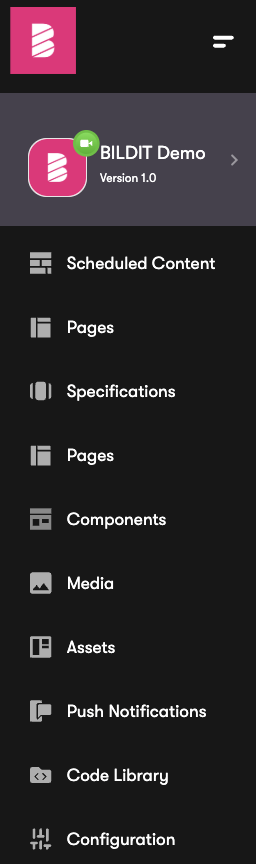
Navigate to Push Notifications
- Navigate to Push Notifications from the Sidebar Menu
Create and send a push
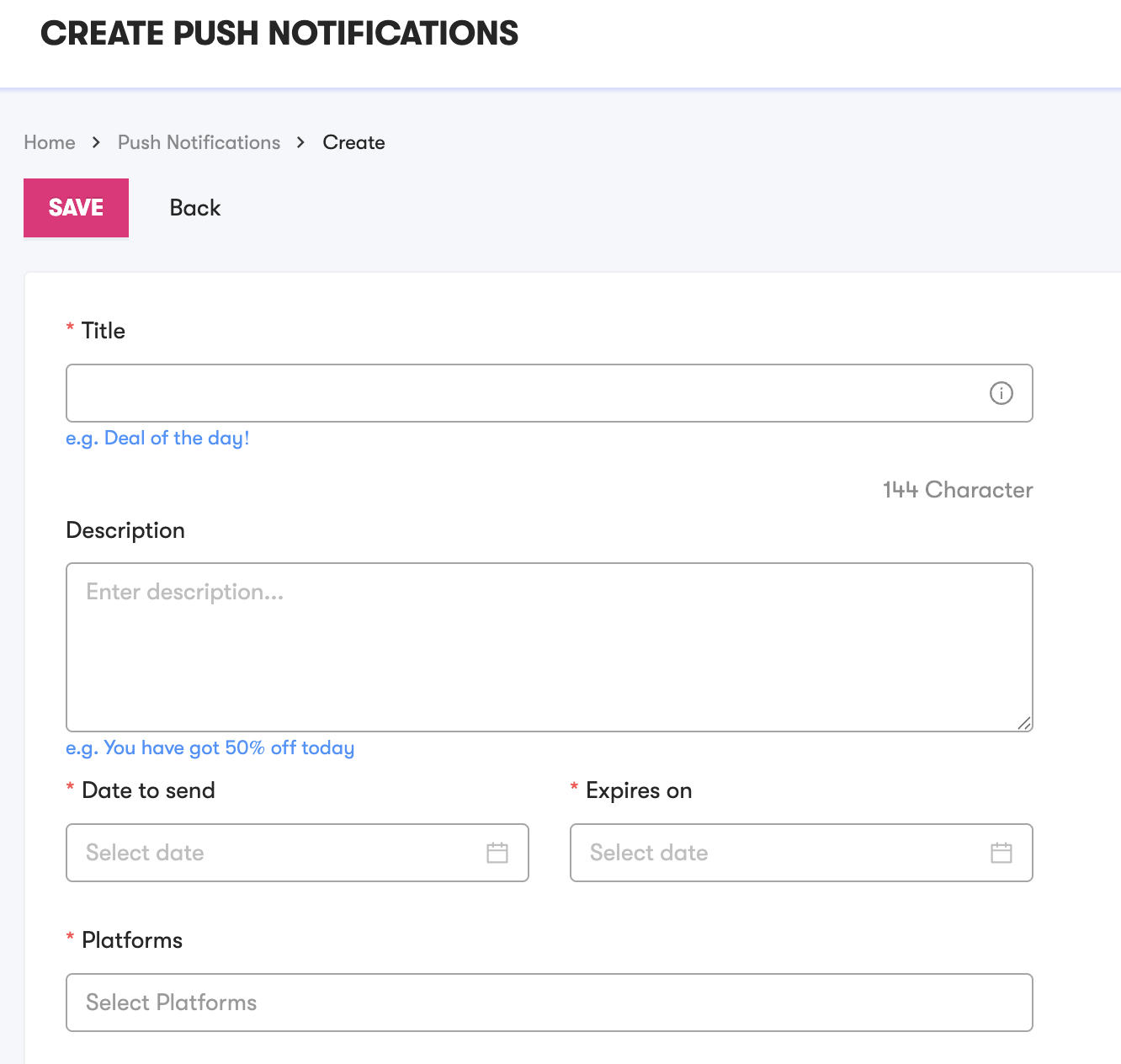
- Click ADD NEW to create and send a new push notification.

- Fill in the details on the Create Push Notifications Form with all the necessary information
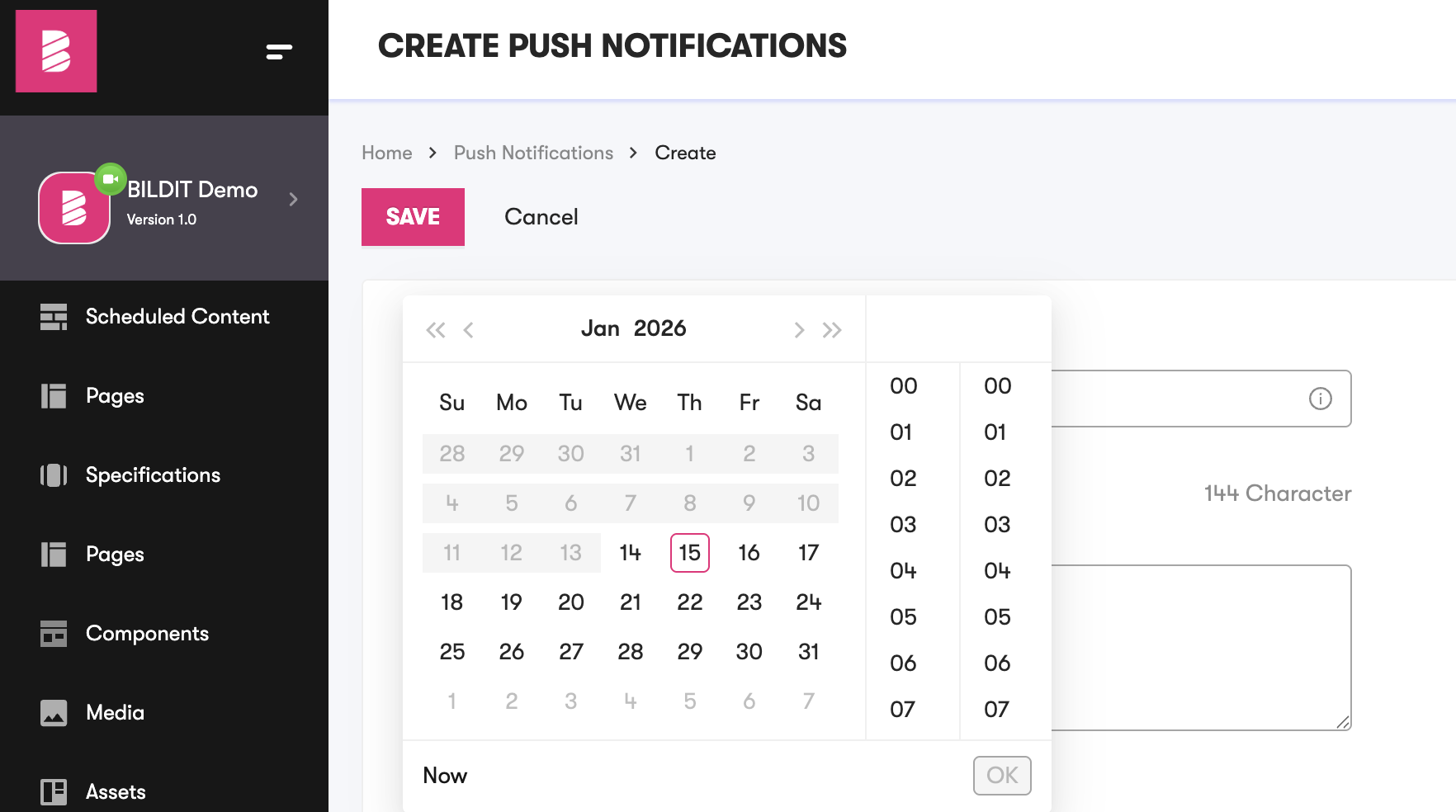
- On selecting Date to send you may select Now
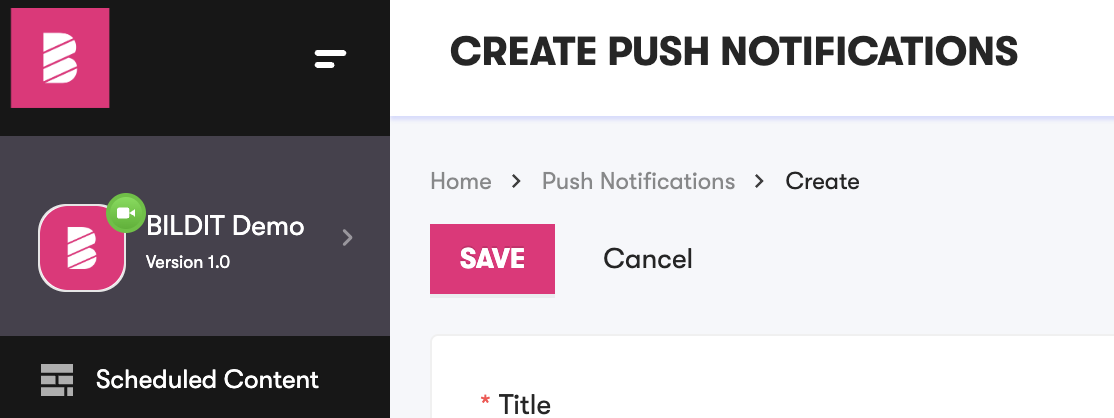
- Click on Save to send push notification
tip
To make it easier to identify your configuration, consider setting up only one push service config.