SFCC Configuration
This documentation is to show how to configure our BILDIT Visual Experience Engine with Salesforce Commerce Cloud (SFCC). Listed below the requirements you will need to get set-up.
- SFCC Base URL
- Appetize URL for both Android and iOS
- SFCC Auth Url
- SFCC Client Id
- SFCC Data Url
- iOS App Bundle Id
Configure Visual Experience Engine with SFCC
To configure the Visual Experience Engine with Salesforce Commerce Cloud:
- Open the Visual Experience Engine website and login with your customer credentials
- Click on the Configuration on the side menu
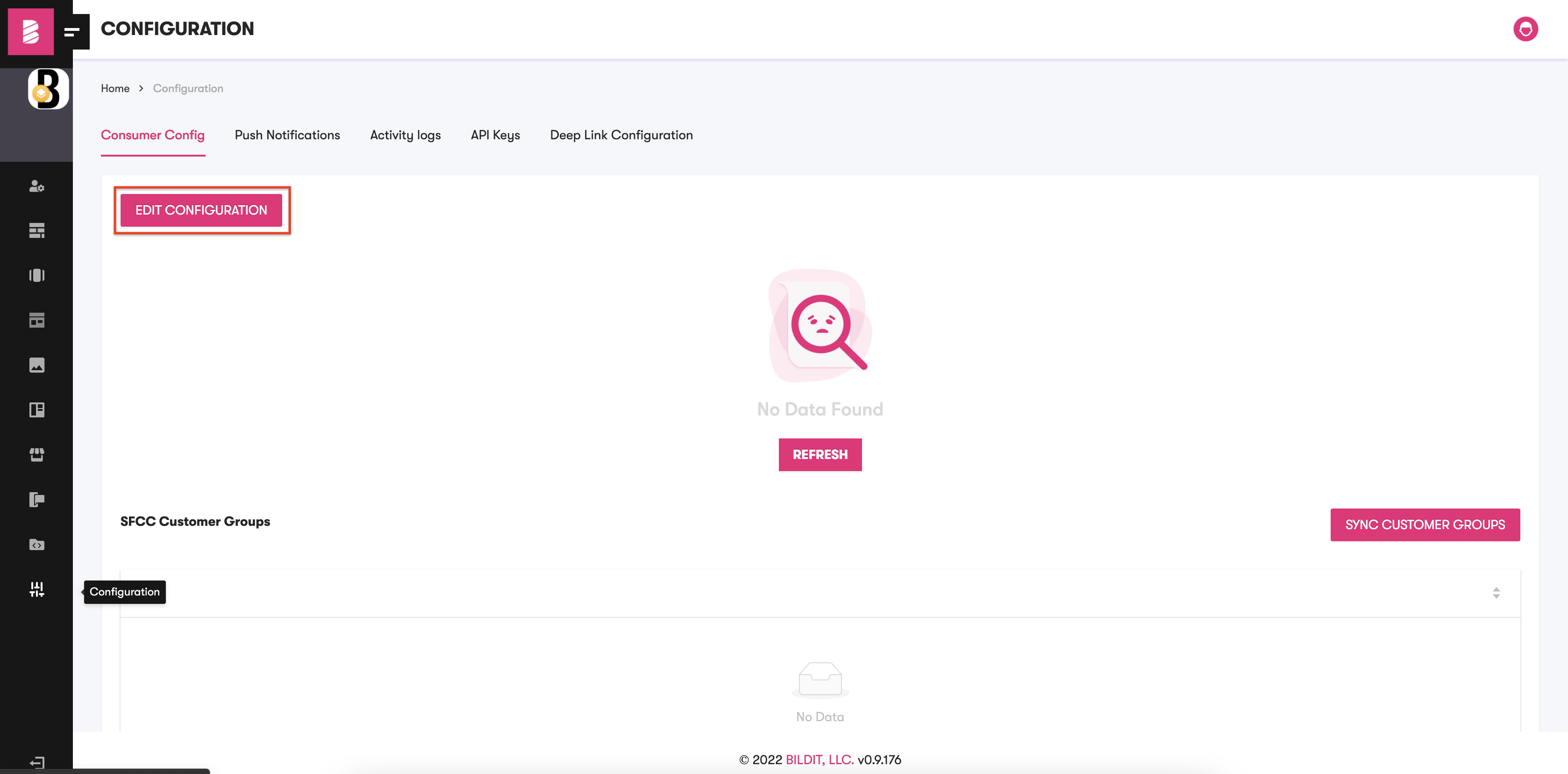
- Click EDIT CONFIGURATION.
- On the pop-up modal, fill all the details mentioned above.
- If you have Customer groups in SFCC, then click on SYNC CUSTOMER GROUPS and follow the steps to add them to the Visual Experience Engine.
- After filling out all the necessary configuration details, click Submit.