Specifications
Overview
BILDIT also allows you to configure your specification after the application has been deployed. You can control how your specification will look to the end user — how many tabs it has, what it should display, and where it should redirect when a tab or a button is clicked.
Configuring in the Visual Experience Engine
In the Visual Experience Engine you can easily create or update your specification with whatever configurations you like. For example, in the reference app you can easily change the number of tabs in the specification and define which specification to navigate to when the user clicks on that tab, as shown below.
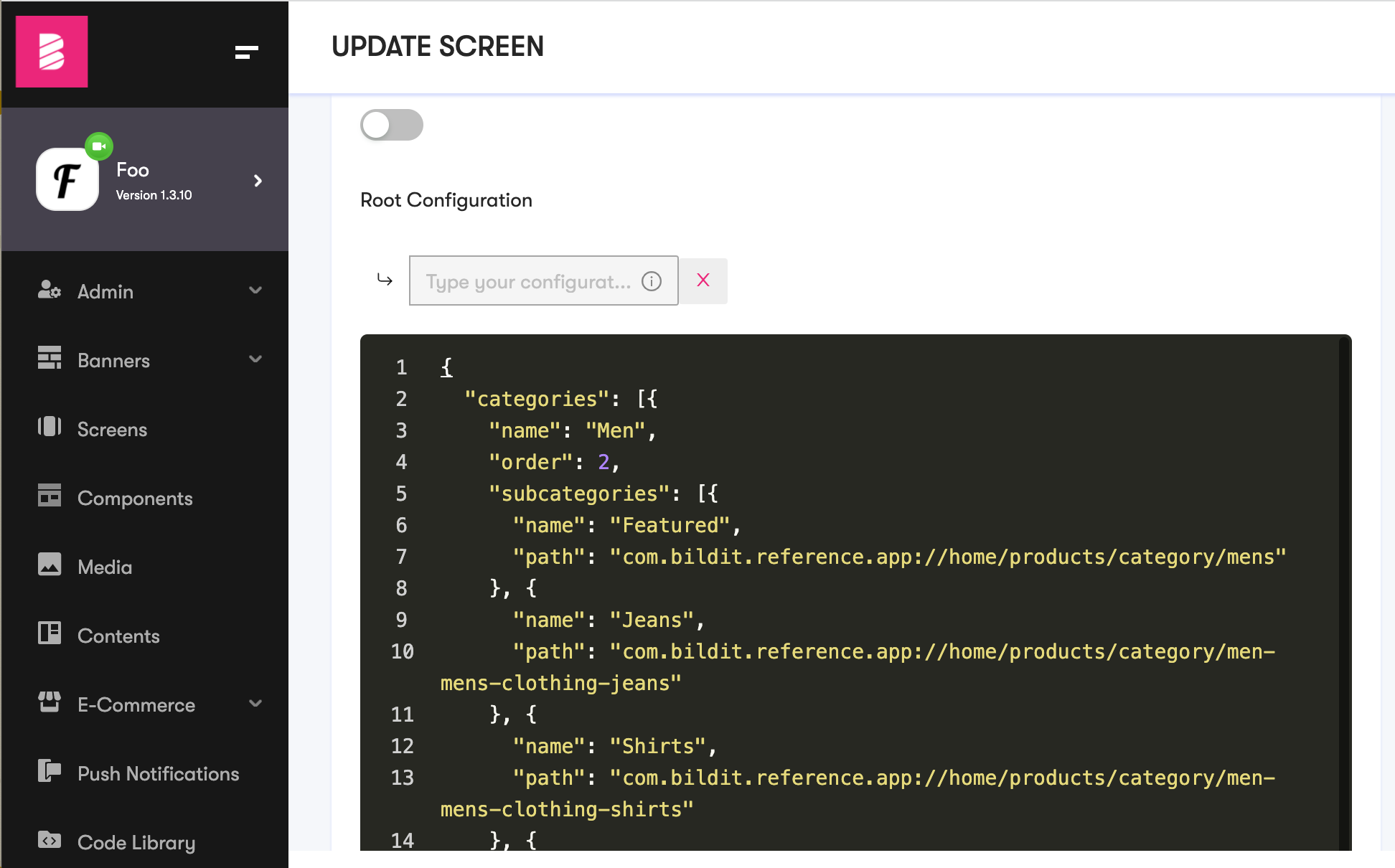
How the app uses configurations
These configurations are later fetched by the app and then it dynamically renders the specification based upon these configurations.