After cloning the repository for BILDIT-App, you might not be able to install modules. This is because some of the modules are private modules and you need an access token to install them. Here is how to do it.
Please note this works for macOS only. For setting up with Windows contact team members.
-
Request an NPM token from admin or team members.
-
Add your NPM token to your machine permanent environment variables
echo "export BILDIT_NPM_TOKEN=YOUR_NPM_TOKEN_HERE" >> ~/.bash_profile
-
Execute the new
.bash_profileby runningsource ~/.bash_profile
Now run the install commands and it should successfully install the packages.
yarn install

// for IOS
cd ios && pod install
Build and Run the App
Now you can go to Xcode or Android Studio and build the project locally. Once the build is successful you will land on the following screen.
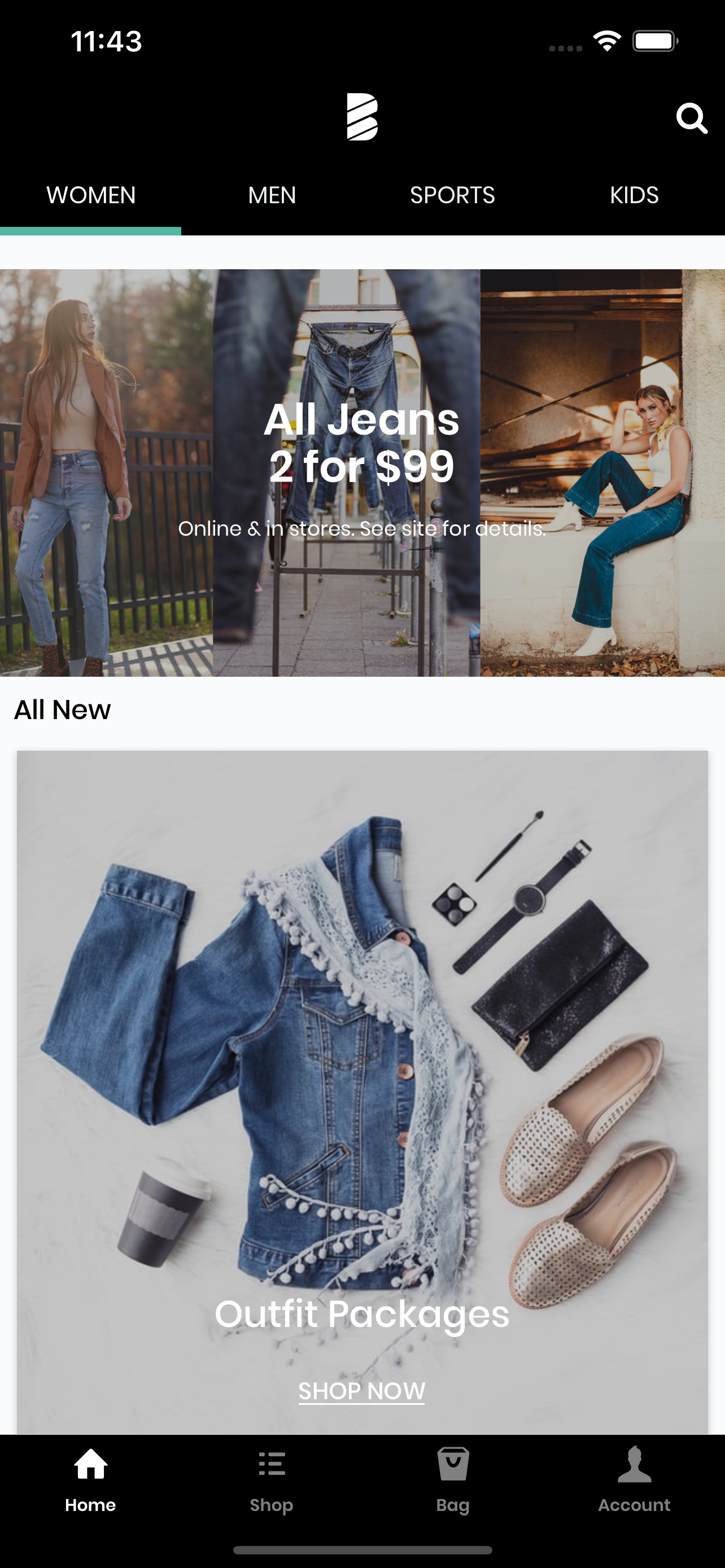
Hooray, you are all set! 🥳