Clone Repository
To get started, you need to clone the project. You need to make sure you have access to the following repository.
BILDIT App
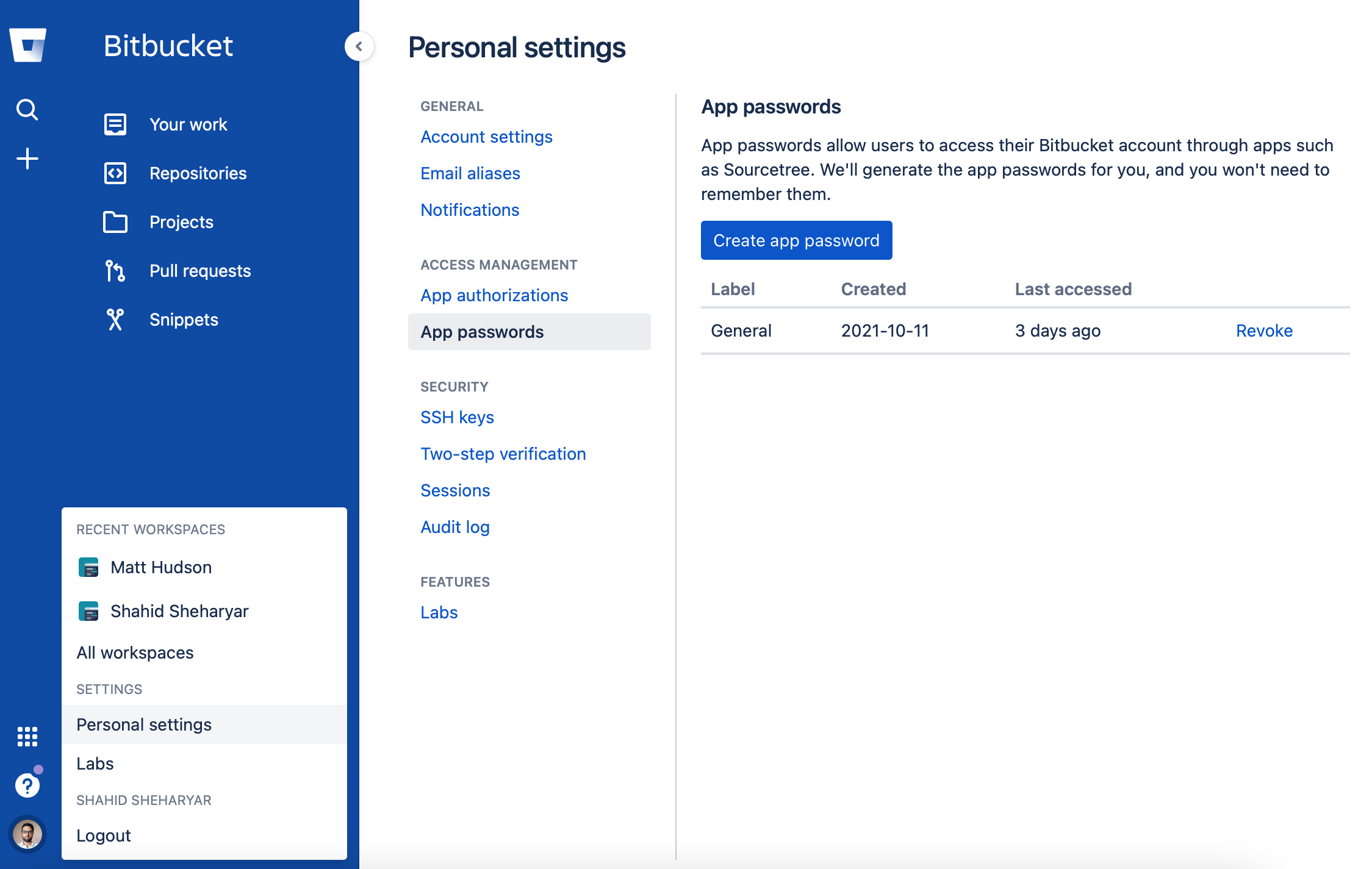
You can clone the repository with the options provided. Additionally you may need to generate a password that git might require when you clone. To generate the password:
- Head to your Profile
- Click Personal settings
- Click App passwords
- Click the Create app password
- Save the password
Once the code is successfully cloned, make sure you switch to develop branch to make sure you have all the latest changes. If you are using git run the following commands.
git checkout develop
git pull origin
Now you need to install local packages.