Scheduled Content
The very essence of any e-commerce app is to show their customers, latest deals and new arrivals of products or services. Or you might often want to schedule which products to show when. BILDIT provides you with a component called Banner for scheduled content
You can simply import Banner into your specification or component you want to display.
Props
| Prop | Type | Required | Description |
|---|---|---|---|
| onPress | function | No | Triggers event on banner press |
| data | image?:string, | Yes | Data from Visual Experience Engine which will be rendered into an output |
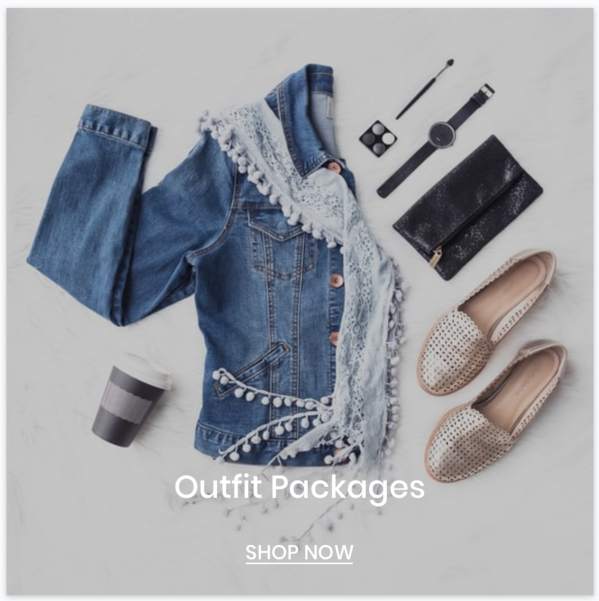
If the data from the BILDIT Visual Experience Engine has the code field in data then that code will be rendered into a React Component on the runtime. For example the following Banner is the code that is written on the Visual Experience Engine and rendered dynamically on the mobile app. It has text, image, and clickable label.
More information of how to get scheduled content data and manage them is covered in RESTful APIs and Visual Experience Engine sections.